Share QR
What to look for: a QR control sits at the bottom right of this page. Activate it and a dialog opens with the site QR, sized and described by the plugin, plus a copy-link action and the two download formats.
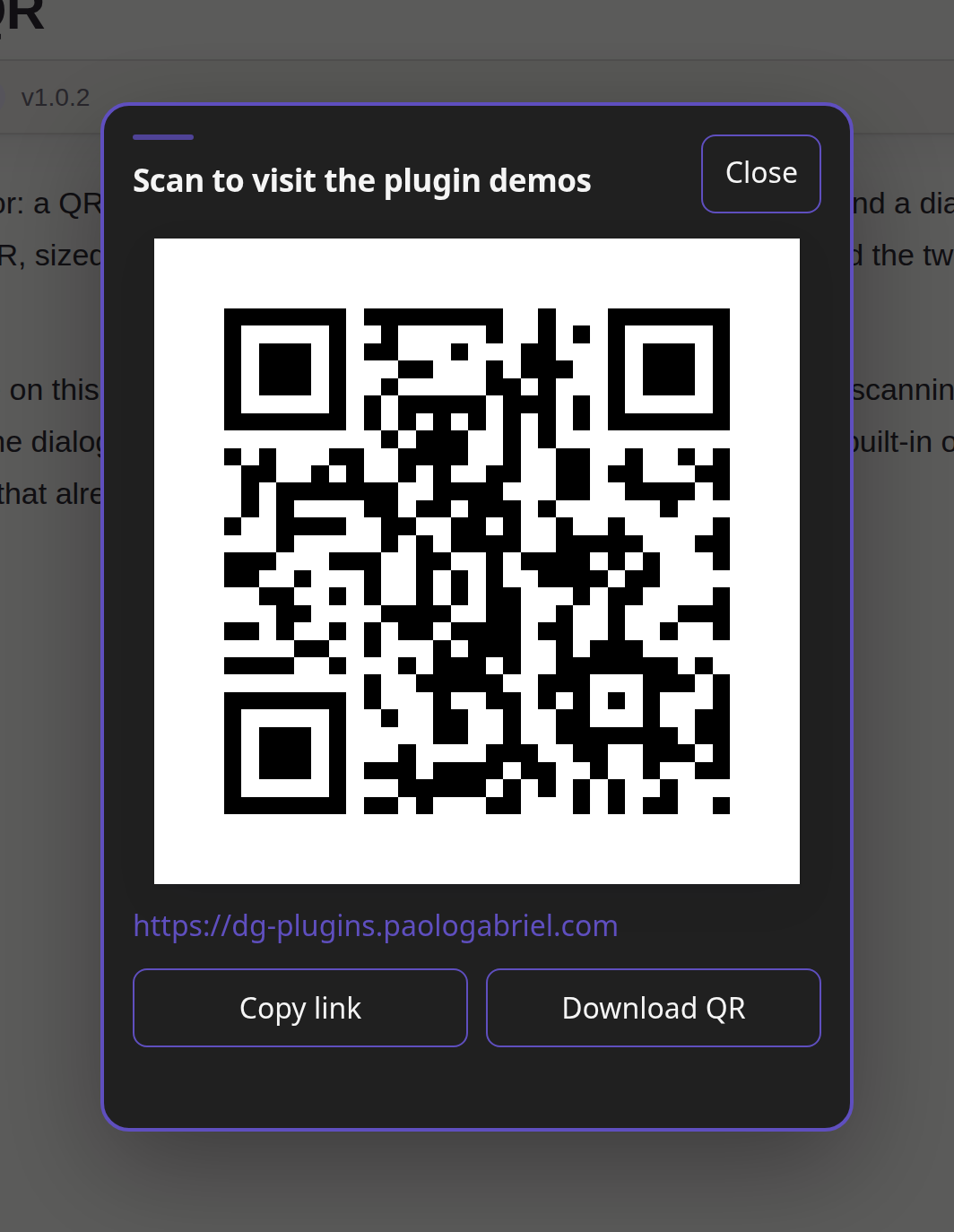
The QR image on this site is generated at build time from the demo origin, so scanning it lands on this garden. The dialog can also be opened from a host trigger instead of the built-in one, which is how a garden that already owns a navigation control would wire it.